

Smart Print App for HPrinter
Kategorie : Business OfficeVersion: 6.0
Größe:7.09MBetriebssystem : Android 5.1 or later
 Herunterladen
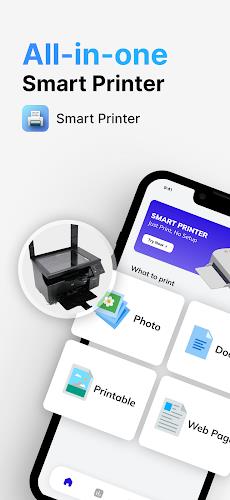
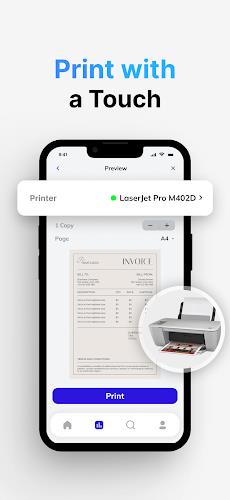
 Wir stellen vor: die App „SmartPrinter: Mobiler Druck-Druck-Scanner für drahtlose Drucker“! Mit dieser praktischen und benutzerfreundlichen App können Sie Fotos, Dokumente, PDF-Dateien und mehr von Ihrem Android-Gerät auf fast jedem Tintenstrahl-, Laser- oder Thermodrucker drucken. Egal, ob Sie zu Hause, bei der Arbeit oder unterwegs sind, Sie können Ihre Dateien schnell und einfach direkt von Ihrem Drucker aus scannen und drucken. Sie benötigen keine zusätzlichen Apps oder Tools. Mit dieser App können Sie jederzeit und überall Bilder, Fotos, Webseiten, PDFs und Microsoft Office-Dokumente drucken. Mit erweiterten Funktionen wie randlosem Fotodruck, Duplexdruck und Integration mit anderen Apps sorgt die SmartPrinter-App für ein nahtloses Druckerlebnis. Laden Sie es jetzt herunter, um schnell und problemlos zu drucken!
Funktionen dieser App:
- Fotos drucken: Benutzer können ihre Fotos ganz einfach ausdrucken und mit Familie und Freunden teilen.
- Dokumente drucken: Die App ermöglicht Benutzern das Drucken verschiedene Arten von Dokumenten, darunter PDF-Dateien, Rechnungen, Quittungen, Bordkarten und mehr. Benutzer können diese Dokumente zu Hause, bei der Arbeit oder unterwegs ausdrucken.
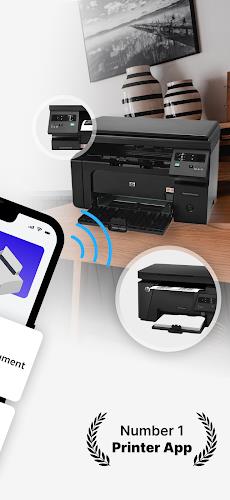
- MobilePrint-PrintScanner für drahtlose Drucker: Mit dieser Funktion können Benutzer Dateien sofort von ihrem Drucker aus scannen und drucken. Benutzer können Bilder, Fotos, Webseiten, PDFs und Microsoft Office-Dokumente ohne zusätzliche Apps oder Tools drucken.
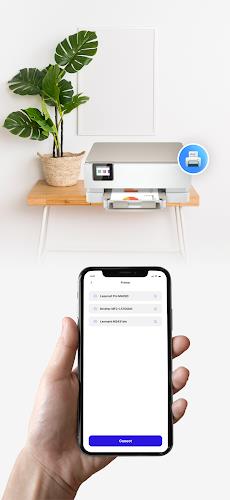
- Direkt von Android-Geräten drucken:Benutzer können direkt von ihren Android-Telefonen oder -Tablets drucken an fast jeden Tintenstrahl-, Laser- oder Thermodrucker.
- Integration mit anderen Apps: Die App bietet eine Integration mit anderen Apps, sodass Benutzer problemlos Inhalte aus verschiedenen Quellen wie E-Mail-Anhängen drucken können. Dateien von Google Drive oder anderen Cloud-Diensten sowie Websites, auf die über den integrierten Webbrowser zugegriffen wird.
- Erweiterte Druckoptionen: Die App bietet eine Reihe erweiterter Druckoptionen, einschließlich der Möglichkeit, Vorschau des Inhalts vor dem Drucken, Auswahl der Anzahl der Kopien, Sortierung der Seiten, Auswahl von Papierformat und -typ sowie Anpassung der Ausgabequalität.
Fazit:
Mit ihrer benutzerfreundlichen Oberfläche und ihrem umfangreichen Funktionsumfang macht diese SmartPrinter-PrintScanner-App das Drucken einfach und bequem. Benutzer können eine Vielzahl von Inhalten, einschließlich Fotos, Dokumenten und Webseiten, drucken, ohne dass zusätzliche Apps oder Tools erforderlich sind. Die App unterstützt WLAN-, Bluetooth- und USB-Drucker und bietet erweiterte Druckoptionen zur individuellen Gestaltung des Druckerlebnisses. Dank der Kompatibilität mit einer Vielzahl von Druckermodellen können Benutzer problemlos eine Verbindung herstellen und von fast überall aus drucken. Unabhängig davon, ob Benutzer zu Hause, bei der Arbeit oder unterwegs drucken müssen, bietet diese App eine zuverlässige Drucklösung. Probieren Sie es jetzt aus und entdecken Sie, wie einfach Drucken sein kann!


Works well for basic printing needs. A bit slow sometimes, and the interface could use some improvement. Overall, it gets the job done.
La aplicación es sencilla de usar, pero a veces falla la conexión con la impresora. Necesita mejoras en la estabilidad.
Fonctionne bien pour l'impression de documents simples. L'interface est un peu basique, mais elle est efficace.

-
 Top-Simulationsspiele für PC und Mobile
Insgesamt 10 World Bus Driving Simulator Hamster Cake Factory School Cafeteria Simulator Ship Simulator 2022 City Bus Simulator - Eastwood SimCity Real City JCB Construction 3D Public Transport Simulator 2 Supermart 3D Store Simulator Train Simulator: subway, metro
-
 Spannende Action -Spiele für Android
Insgesamt 10 Ninja Assassin Creed Samurai Waffen Spiele : Schießenspiele Iron Hero: Superhero Fight 3D Battle Showdown: Gambit GUNSHIP BATTLE: Helicopter 3D The Walking Zombie 2: Shooter Agent Hunt Shooting Games 3D StickMan HOUSE 314: Survival Horror FPS Agent Shooting- FPS Shooter 3D


- Chrono Agents: Zeitreise Bildungsabenteuer Vor 1 Wochen
- Mattel präsentiert führende Spielzeuglinie bei neuer Kooperation Vor 1 Wochen
- SpongeBob TD-Codes enthüllt für März 2025 Vor 1 Wochen
- Disney's Realm Breakers startete leise Einführung in ausgewählten Regionen Vor 2 Wochen
- Surprise Lords of Fallen 2.5 Update Available Now, Just Hours Ahead of Sequel's Big Game Awards Showing In a stunning twist that has sent shockwaves through the gaming community, Lords of Fallen 2.5—an unexpected mid-cycle update to the 2023 action RPG—has launched just hours before the official reveal of its long-anticipated sequel, Lords of Fallen 2, at The Game Awards 2024. The update, announced with no prior warning, arrives hot on the heels of teaser footage for the sequel, which was shown during the live event's opening segment. Players were left stunned to discover that a full 2.5 patch—featuring major gameplay overhauls, new endgame content, and quality-of-life improvements—was now live across all platforms. Key highlights of the 2.5 update include: New Final Boss & Post-Game Pathway: A hidden final boss, "The Devourer of Eternity," has been unlocked via a secret quest chain tied to a new relic system. This boss fight redefines the game’s combat meta and offers a new ending sequence that alters lore across the entire world. Enhanced Combat Mechanics: Refined stamina management, updated parry system, and new "Covenant Strikes" that allow players to chain abilities based on enemy weaknesses. Visual & Audio Overhaul: The entire game has received a graphical upgrade with ray-traced lighting, higher-resolution textures, and a remastered audio suite featuring new voice lines and ambient tracks composed by the original composer, Peter Gregson. New Difficulty Mode: "Eternal Trial" mode offers permadeath gameplay with a roguelike progression system, rewarding players with permanent upgrades tied to their playthrough. Free Content Drop for All Players: All players who own the base game (including those who pre-ordered the sequel) received the update and its new content at no cost. The timing of the update—just before the sequel's official reveal—has led to widespread speculation. Was this a farewell gift to fans before the new chapter? A strategic move to boost anticipation for Lords of Fallen 2? Or a playful nod from FromSoftware-style developers at Deck13 and co.? Fans have reacted with overwhelming enthusiasm on social media, with #LordsOfFallen25 trending globally and many calling it "the best surprise in gaming history." Some have even speculated that the 2.5 update might be a standalone expansion meant to stand as a final, definitive version of the original. With the sequel now officially confirmed for a 2025 release, players are left in awe—both at the unexpected gift and the promise of what’s to come. Whether you’re a veteran warrior of the fallen world or a newcomer drawn in by the teaser, one thing’s certain: Lords of Fallen isn’t done with its story yet. The Fall continues. Vor 3 Wochen
- Umamusume: Pretty Derby bringt den Galoppsport weltweit an die Startlinie. Vor 1 Monaten
-

Werkzeuge / 4.1 / by The Appschef / 14.00M
Herunterladen -
Kunstdesign / 10.0.2 / by Team Scarface / 26.0 MB
Herunterladen -

Finanzen / 2.0.4 / by Bank Asia Limited / 41.00M
Herunterladen -

Auto & Fahrzeuge / 3.34.0 / by CARFAX, Inc / 53.1 MB
Herunterladen -

Mode Lifestyle / v1.3.9.d / by BanApp Entertainment / 21.18M
Herunterladen -

Finanzen / 3.8.0 / 37.13M
Herunterladen -

Werkzeuge / 1.5.3.11 / by GBox Team / 77 MB
Herunterladen -

Werkzeuge / 1.4.2 / by Zeehik IT Zon / 4.72M
Herunterladen
-
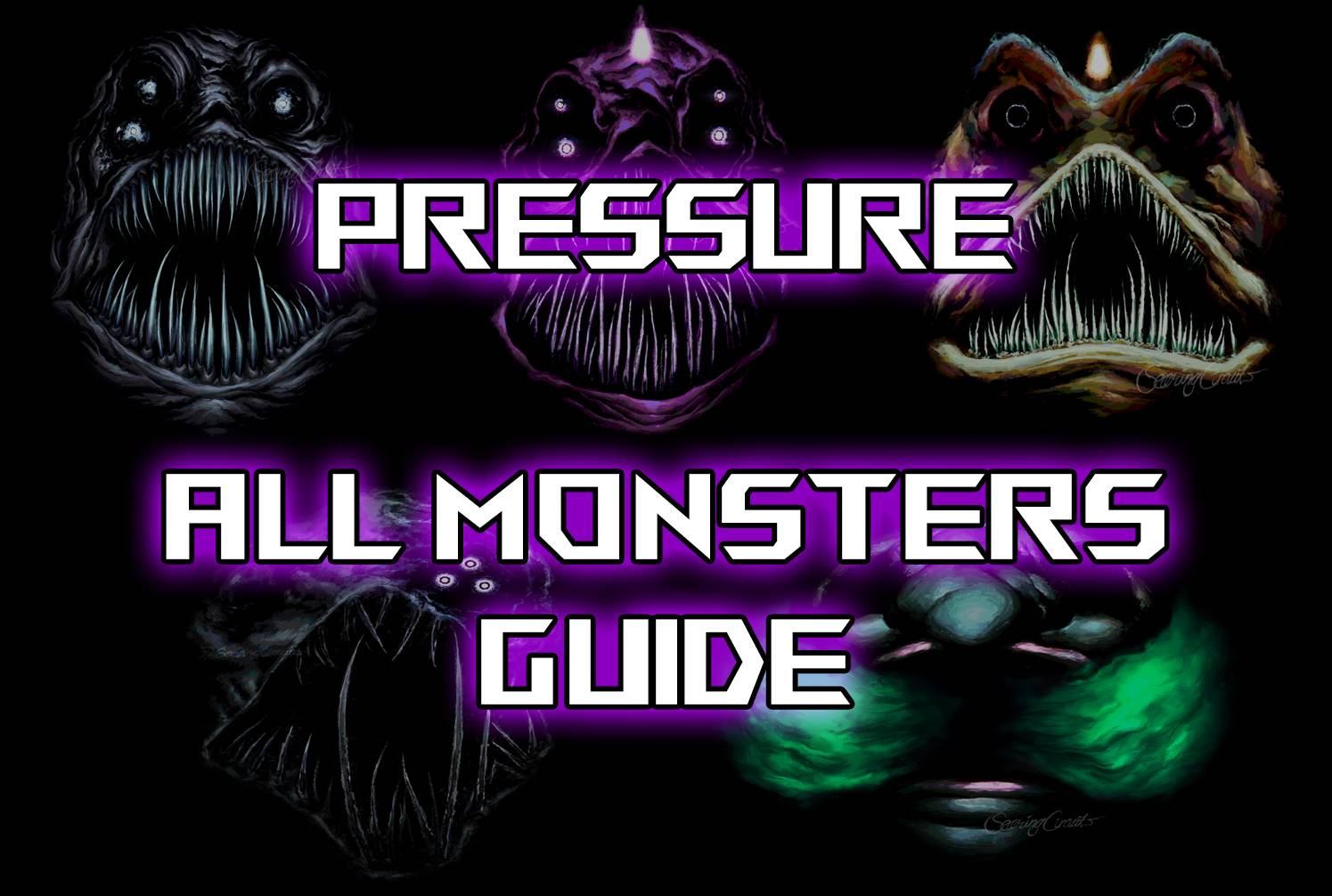 Alle Monster im Druck und wie man sie überlebt - Roblox
-
 "Entdecken Sie alle Templerorte in Assassins Creed Shadows - Spoiler Alert"
-
 ETE Chronicle:Re JP Server-Vorregistrierung beginnt mit einem ganz anderen Spiel
-
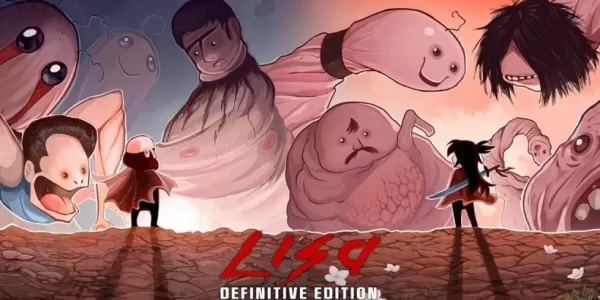 "Lisa: Die schmerzhafte und freudige Überraschung Android Release"
-
 Warum Call of Duty: Black Ops 6 sieht körnig aus & verschwommen aus
-
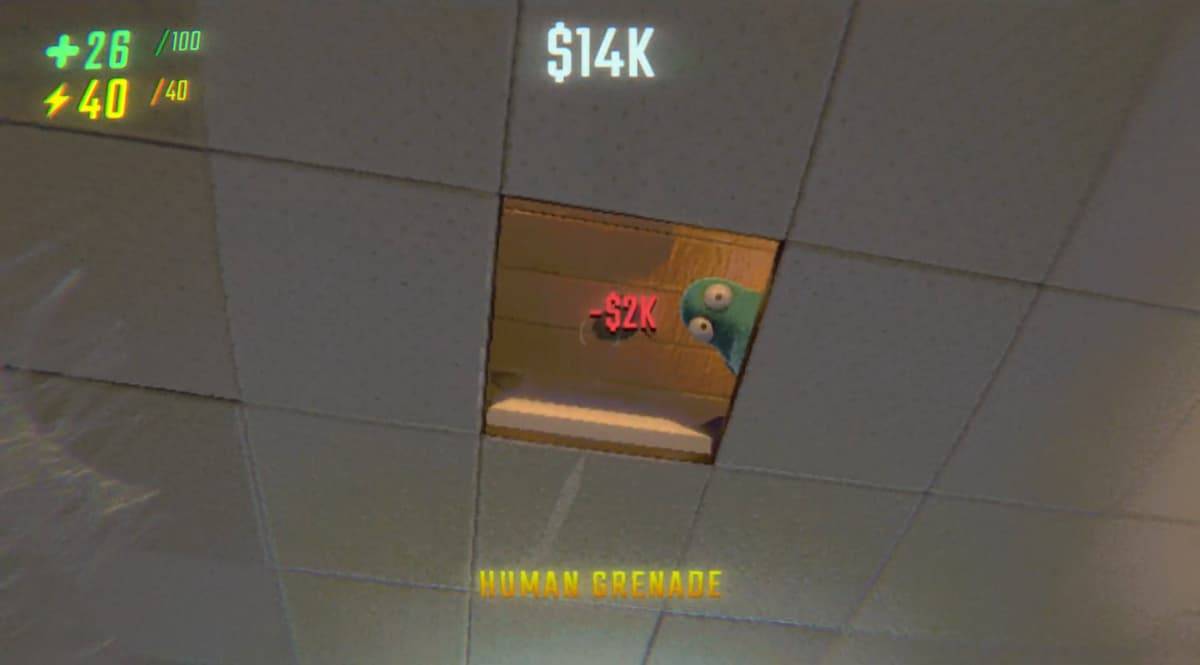 Verschlossenen des geheimen Ladens in Repo: Ein Führer