
Master Marvel Contest of Champions: A Beginner's Guide
Marvel Contest of Champions (MCoC) is a dynamic mobile fighting game where you collect and battle iconic Marvel superheroes and villains. This guide will help new players understand the core mechanics for a smoother, more strategic gameplay experience.
Understanding MCoC Combat
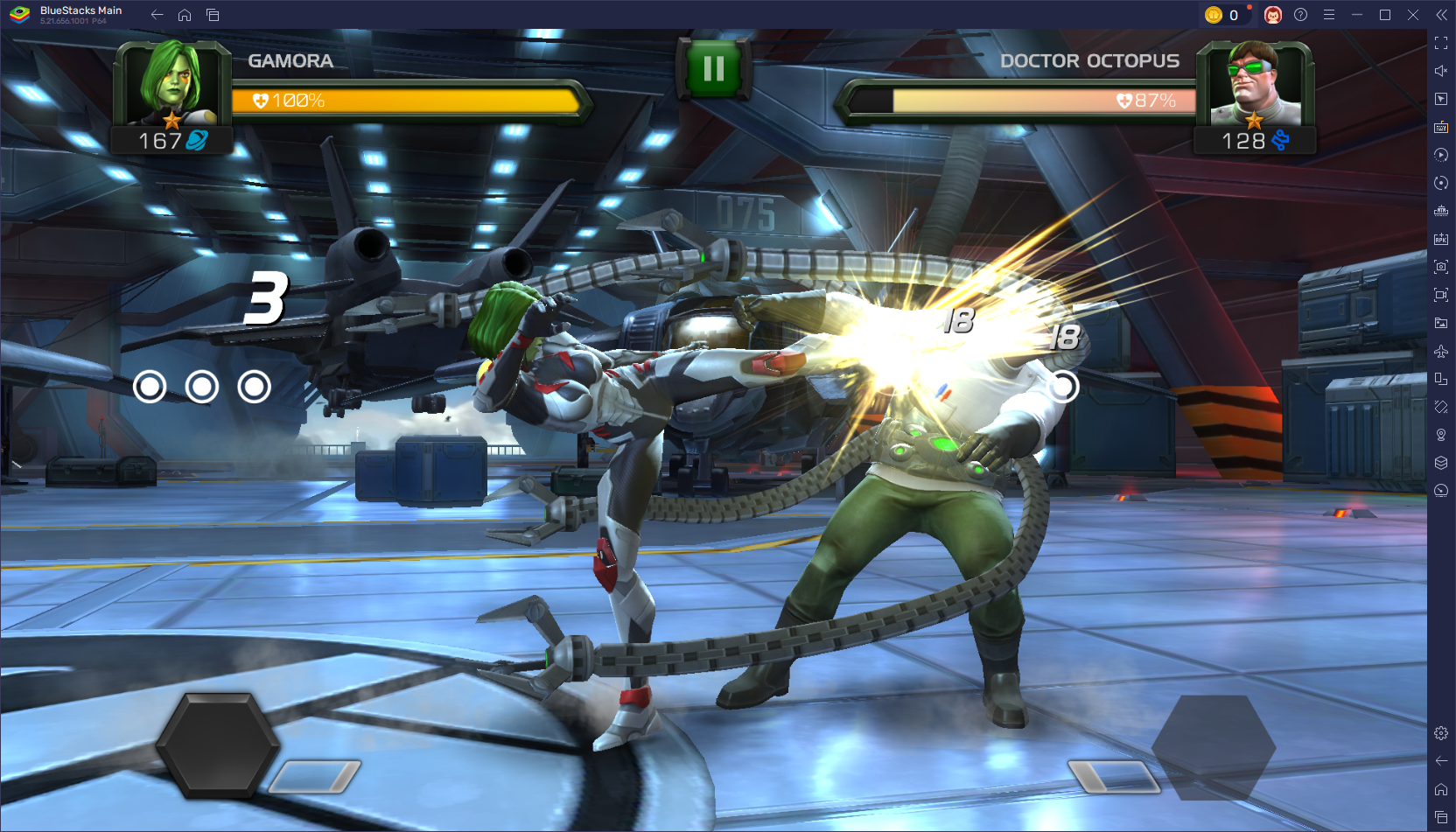
MCoC features straightforward yet engaging one-on-one battles in a 2D environment. You control your champion using simple touch controls:
- Tap Right: Light Attack
- Swipe Right: Medium Attack
- Hold Right: Heavy Attack
- Tap Left: Block
- Swipe Left: Dash Back
Resource Management: A Key to Success
Efficient resource management is crucial for consistent progress. Here's a breakdown of key resources and how to best utilize them:
- Units: Acquired through quests, arenas, and special events. Prioritize using Units for Mastery Cores or Revives, rather than Premium Hero Crystals.
- ISO-8: Primarily obtained from duplicate champions, quests, and event rewards. Focus on upgrading your strongest champions first.
- Catalysts: Found in daily quests and story progression. Higher-tier Catalysts require completing challenging quests like "Proving Grounds" or difficult events.
- Gold: Earned by selling ISO-8, completing quests, and participating in Arenas. Regular Arena participation is vital for maintaining a steady gold supply, as champion upgrades are gold-intensive.
Avoid the common mistake of spending Units on Crystals prematurely. Strategic resource allocation will ensure sustainable progress. Remember to check our blog for the latest Marvel Contest of Champions redeem codes to boost your account!
Beyond the Basics
MCoC is a blend of action, strategy, and team building. Mastering combat mechanics, understanding class matchups, and progressing your champions effectively will lead to a rewarding and less frustrating experience. As you play, you'll uncover advanced strategies and unlock more powerful champions, making each battle more exciting. For an enhanced experience, consider playing MCoC on PC with BlueStacks for improved controls and a larger screen. Join our Discord community for discussions and support!